CH6 Guide 06 Independent explainer
How to make electronic music at home
You can start with a computer, headphones and free or low-cost software. This guide covers the setup, the parts of a track and the basic sound design ideas that carry over to every electronic style.
The minimum setup
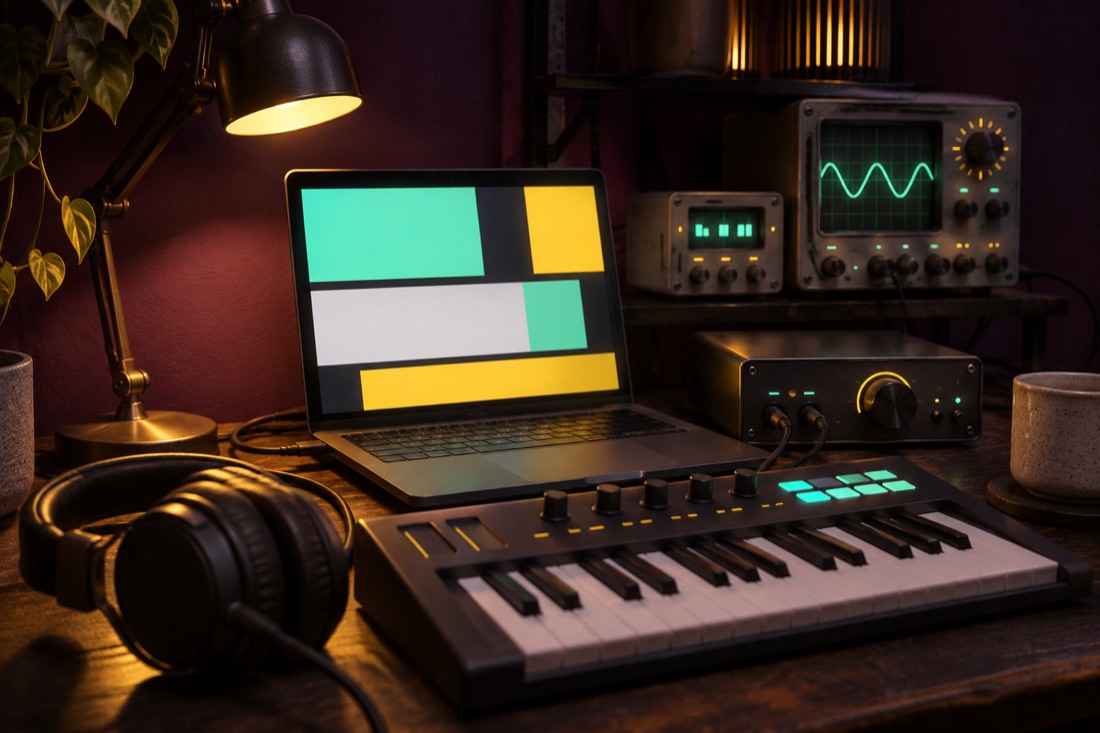
People who ask what equipment is needed to make electronic music are often surprised by the answer: a computer, a pair of headphones and a digital audio workstation, called a DAW. A MIDI keyboard or pad controller makes playing in notes easier, and studio monitors help later, but none of them is required on day one. Get to know what you have before you buy anything.
Choosing software
A DAW is the program in which you record, arrange and mix. Well-known choices include Ableton Live, FL Studio and Logic Pro, and there are free options such as GarageBand on Apple devices and BandLab in a web browser. Each one can make a finished track, and the differences are mostly in workflow, so try a free version or trial and pick the one whose layout you understand.
Learn one program well rather than collecting many. Most DAWs include basic drum, synthesiser and effect plugins that are enough for your first tracks.
The parts of a track
Start by setting a tempo. The genre guide lists the ranges that styles usually use. Next build a drum pattern, with a kick, a clap or snare and hi-hats, over one bar and then four. Add a bass line that follows the kick, then chords or a pad, and then a melody or a texture on top.
A track is more than a loop. Arrangement is the order in which parts enter and leave: an intro, a build, a main section, a break and an ending. A common beginner trick is to copy the structure of a track you like, bar by bar, and study when each element appears.
Sound design basics
Most synthesisers share a few building blocks. An oscillator makes the raw tone, and the common waveforms are sine, triangle, square and sawtooth, which sound smooth, soft, hollow and bright in that order. A filter removes part of the spectrum, usually the high end, which is how a sound is made darker. An envelope shapes the loudness over time, with attack, decay, sustain and release, and a low-frequency oscillator, or LFO, moves a setting back and forth.
Experiment with one sound at a time. Change a filter cutoff while a note plays, and listen to what an envelope does to the same note when the attack is short and when it is long.
Finishing and mixing
Mixing is setting the balance between parts so each can be heard. Start with levels, leave headroom on the master so nothing clips, and use equalisation to give each sound its own space, particularly where the kick and the bass overlap. Compression evens out dynamics, but a little goes a long way.
Export a finished mix as a lossless WAV file. Use only samples you have the right to use, because sample libraries come with licences that state what is allowed. When a track is done and you want other people to hear it, read about distribution and how a small label works before deciding how to release it.